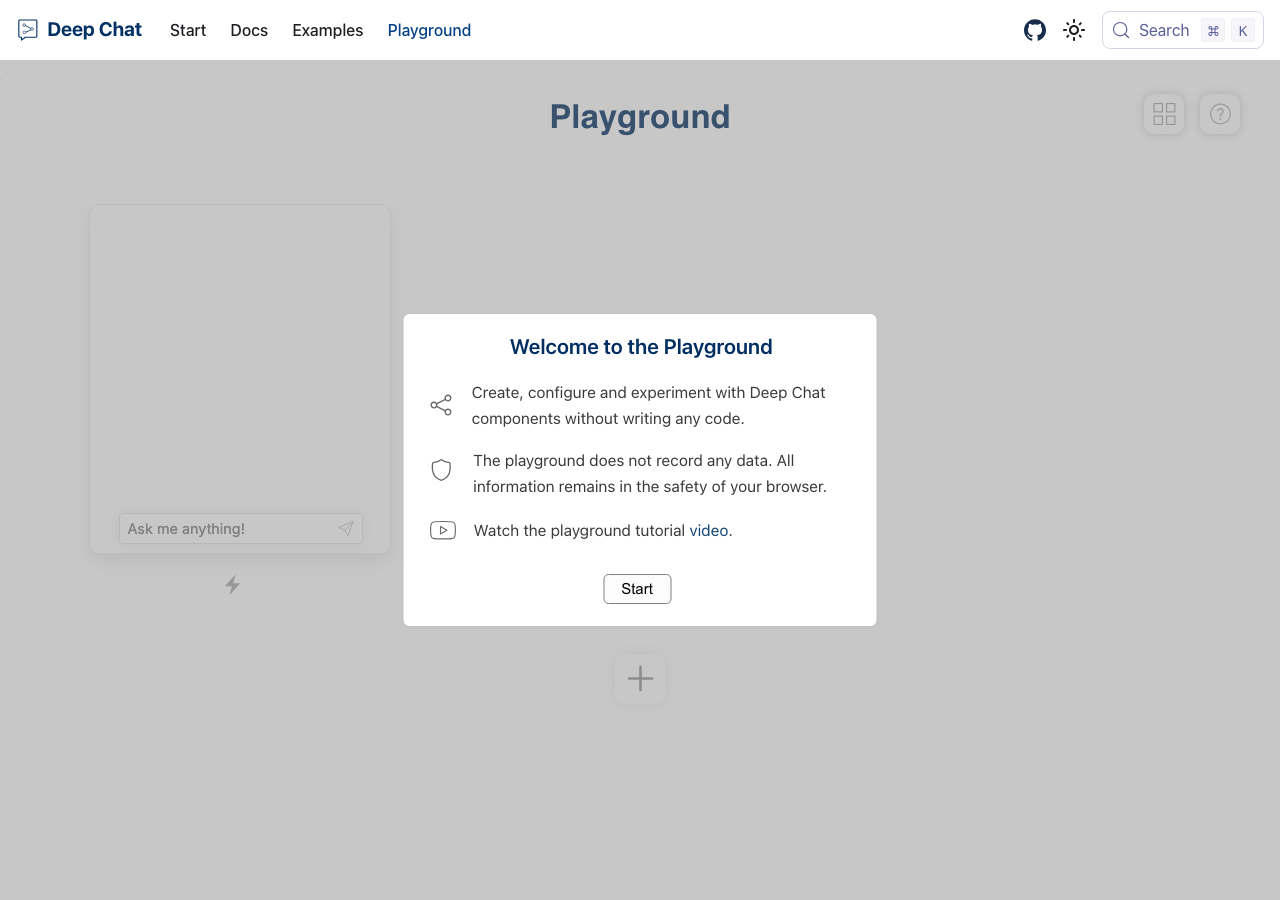
QA report: external/deepchat.dev at hosted
The Deep Chat playground's messaging, navigation and search work, with no confirmed issues after the audit and a hand check.
Testing covered nine scenarios focusing on playground chat interactions, message validation, theme toggling, core route navigation, sidebar links across docs and examples, and console error monitoring. Eight of the nine scenarios passed, confirming that standard and boundary message inputs, theming, and primary navigation operate smoothly.
One finding said the search button opens nothing. By hand the search dialog opens once it has loaded, so the finding was withdrawn.
An environment limitation prevented full validation of live WebSocket messaging in the Connect documentation (S4), where a demo component connects to a placeholder domain ('customapi.com'). All other evaluated user flows completed without regression.
Run summary
| Metric | Count |
|---|
| Scenarios executed | 9 |
| Passed | 8 |
| Failed | 1 |
| Blocked | 0 |
| Findings raised | 1 |
| Issues after the audit | 0 |
| Withdrawn by the audit | 1 |
| Critical / high / medium / low | 0 / 0 / 0 / 0 |
Target: https://deepchat.dev/playground · Testing level: deep_feature · Stack: unknown
Issues
No issues stood after the audit.
Environment limitations
These failures came from the test environment, not from the application: a credential the sandbox does not hold, a demo nobody may write to, a resource it cannot reach. They are not counted as issues. They record what this run could not exercise.
- S4 could not exercise this: WebSocket handshake error on placeholder URL in Connect documentation. A connection to wss://customapi.com/ fails with a 301 error in the console. The audit recorded the test environment as the cause, so it is not counted as an issue.
Withdrawn findings
The Critic re-examined these claims and found the evidence did not support them. They are kept here rather than deleted.
- Search button does not open search modal overlay on playground page (S6, medium): Checked by hand in Chrome on 2026-09-18: the Search button opens the documentation search dialog, and so does Meta+K. The run read the page one second after the click, before the lazily loaded dialog had rendered, so this was a timing miss of the run, not a defect of the app.
Scenario results
| Scenario | Priority | Result | Issues |
|---|
| S1 Send standard message in playground chat | high | pass | none |
| S2 Submit excessively long text in chat input | high | pass | none |
| S3 Prevent empty message submission | high | pass | none |
| S4 Navigate via docs sidebar | high | pass | none |
| S5 Navigate via examples sidebar | high | pass | none |
| S6 Open search modal | medium | fail | F1 withdrawn |
| S7 Toggle dark and light mode | medium | pass | none |
| S8 Verify core route integrity | low | pass | none |
| S9 Observe playground console errors | low | pass | none |
The audit
The Critic reviewed 1 finding and re-verified 1 of them live in the browser, replaying the reported steps on a fresh page.
- The tester correctly identified the search component failure in S6, but missed console errors thrown on the documentation pages in S4 and S5.
- The WebSocket error in S4 is an environment limitation caused by the documentation using a placeholder URL ('customapi.com') in a live demo component.
- A possible defect in S5 ("Interface warning logged to console on frameworks example page") was not promoted: the live replay came back not-reproduced.
What to fix first
No confirmed issue to fix. The withdrawn finding and the reason are listed under Withdrawn findings.
Coverage and caveats
In scope: Playground chat component interaction; Empty and edge-case text input handling; Theme toggling; Search modal functionality; Documentation and examples sidebar navigation.
Not covered: External CodeSandbox and StackBlitz integration links (out of scope for in-place hosted run); Accounts or backend AI API key configurations (needs an account or external service, out of scope for a hosted run).
- The Deep Chat component uses Shadow DOM or custom elements, so validation relies on observable UI changes rather than standard DOM attributes.
- The 'Start playground button' must be clicked to fully initialize the chat interface in the playground.
By the numbers
| Metric | Value |
|---|
| Scenarios | 8 passed, 1 failed, 0 blocked of 9 (27 planned steps) |
| Browser actions | 143 (24 clicks, 11 inputs, 29 navigations, 79 snapshots) |
| Screenshots | 33 (4 explore, 28 scenario, 1 critic), 28 captioned |
| Coverage | 5 pages, 0 forms, 3 flows, 2 console errors |
| Audit | 1 findings, 1 re-verified live, 0 confirmed, 0 promoted, 1 withdrawn |
| Model calls | 136 |
| Tokens | 633,938 input, 6,538 output, 13,364 thinking |
| Time | 10 min |
| Stage | Calls | Input | Output | Thinking | Seconds |
|---|
| explore | 19 | 87,711 | 1,177 | 707 | 54 |
| plan | 1 | 2,976 | 1,477 | 3,257 | 33 |
| test | 109 | 515,614 | 2,975 | 4,922 | 431 |
| critique | 6 | 26,163 | 692 | 4,116 | 48 |
| report | 1 | 1,474 | 217 | 362 | 6 |