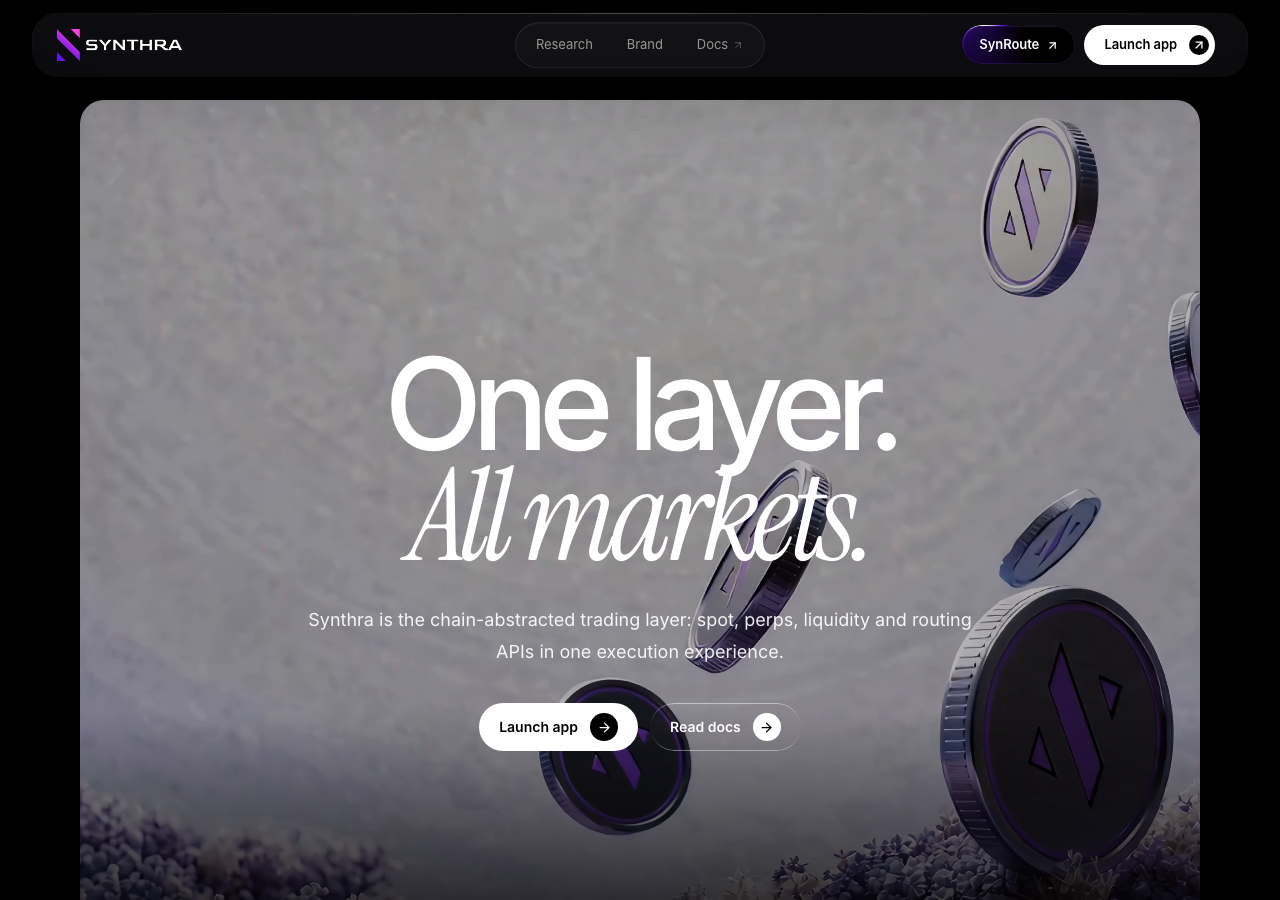
QA report: external/synthra.org at hosted
A filter reset defect in the research section requires users to click the 'All' filter button twice to display all articles.
Testing evaluated six scenarios on synthra.org, focusing on research category filtering, table of contents navigation, returning to the research index, brand asset access, and clipboard permission error handling. Four scenarios passed and two failed.
One medium functional issue was confirmed: clicking the 'All' research filter button does not clear the active category filter on the first click, requiring a second click to restore the full research list. The audit withdrew one additional raised finding concerning brand asset navigation.
Primary reading and navigation flows are functional, but the category filter defect degrades usability in the research index. Resolving this state reset behavior will ensure research articles can be browsed without unexpected interface lag.
Run summary
| Metric | Count |
|---|
| Scenarios executed | 6 |
| Passed | 4 |
| Failed | 2 |
| Blocked | 0 |
| Findings raised | 2 |
| Issues after the audit | 1 |
| Withdrawn by the audit | 1 |
| Critical / high / medium / low | 0 / 0 / 1 / 0 |
Target: https://synthra.org · Testing level: deep_feature · Stack: unknown
Issues
Medium severity
F1 · Clicking 'All' research filter button does not clear category filter on the first click
Severity: medium · Type: functional · Verdict: confirmed · Scenario: S3
The observations in S3 explicitly confirm that a single click on 'All' did not reset the filter, and a second click was required for it to take effect.
Expected: Clicking 'All' once resets the active category filter and displays all research articles.
Actual: Clicking 'All' once leaves the research grid filtered to the previously selected category ('DeFi Research'); a second click on 'All' is required to restore the full list.
Steps to reproduce:
- Navigate to https://synthra.org/research
- Click the 'DeFi Research' category filter button
- Click the 'All' category filter button once
- Observe the research article list
Evidence: screenshots/S3-2.png, screenshots/S3-4.png
Withdrawn findings
The Critic re-examined these claims and found the evidence did not support them. They are kept here rather than deleted.
- Client-side navigation to /brand-assets fails to render Brand Assets page (S5, high): I clicked the 'Brand' link in the top navigation bar. The URL correctly changed to /brand-assets, and the Brand Assets page content (Logos, Typography, Colors, etc.) successfully mounted and rendered. The home page hero section was not shown.
Scenario results
| Scenario | Priority | Result | Issues |
|---|
| S1 Filter research by specific category | high | pass | none |
| S2 Navigate research article via Table of Contents | high | pass | none |
| S3 Reset research category filters to view all | medium | fail | F1 |
| S4 Return to research index from an article | medium | pass | none |
| S5 Download SVG brand logo | medium | fail | none |
| S6 Graceful handling of clipboard permission errors | low | pass | none |
The audit
The Critic reviewed 2 findings and re-verified 2 of them live in the browser, replaying the reported steps on a fresh page.
- Scenario S5's goal of downloading an SVG brand logo was impossible to achieve regardless of the navigation bug, as the tester observed no SVG download options exist on the page.
- A possible defect in S6 ("Console error logged when clipboard permission is denied") was not promoted: the live replay came back inconclusive.
What to fix first
- Fix research category filter state management so clicking 'All' resets the filter grid on the first click (F1).
Coverage and caveats
In scope: Research article category filtering; Article readability and in-page navigation; Brand asset downloads; Clipboard interaction on color swatches.
Not covered: Trading and wallet functionality (app.synthra.org is a distinct external origin); Documentation (docs.synthra.org is a distinct external origin); Wallet connectivity (no wallet integration exists on the static marketing site).
- The target URL is a static marketing and publication site, so data lifecycle and input validation scenarios do not apply.
- Clipboard API calls may fail in automated browsers; we are testing for graceful error handling based on the observed console error.
By the numbers
| Metric | Value |
|---|
| Scenarios | 4 passed, 2 failed, 0 blocked of 6 (19 planned steps) |
| Browser actions | 109 (26 clicks, 0 inputs, 28 navigations, 55 snapshots) |
| Screenshots | 21 (4 explore, 15 scenario, 2 critic), 15 captioned |
| Coverage | 9 pages, 0 forms, 3 flows, 1 console errors |
| Audit | 2 findings, 2 re-verified live, 1 confirmed, 0 promoted, 1 withdrawn |
| Model calls | 94 |
| Tokens | 638,454 input, 6,619 output, 13,812 thinking |
| Time | 9 min |
| Wallet | 0 transactions, 0 signatures, 0 refusals on chain 5042002 |
| Stage | Calls | Input | Output | Thinking | Seconds |
|---|
| explore | 17 | 150,763 | 2,028 | 1,737 | 77 |
| plan | 1 | 3,871 | 1,080 | 2,449 | 29 |
| test | 65 | 444,284 | 2,618 | 4,603 | 359 |
| critique | 10 | 38,194 | 673 | 4,453 | 64 |
| report | 1 | 1,342 | 220 | 570 | 17 |